Fundamentals
Accessible design starts with planning. Designers guide clients through processes, requirements, and benefits to create inclusive and accessible projects while also balancing scope, expectations, and evolving best practices.

The fundamentals begin with planning
Accessibility should not be considered an add-on or feature. It works best and is the most cost-effective when it is a core consideration from the very start of project planning.
Planning & management
Designers are key in helping clients understand the need and processes for accessible design.
Start a conversation
Designers who are well-versed in accessible design practices can engage their clients to reveal additional opportunities that will increase the positive impact of projects. Some project briefs specifically request accessible design, but many clients don’t know the full implication of the request. Before preparing an estimate and plan, start a conversation with the client to understand their level of experience with accessible design.

A lack of experience or fear of accessible design can be a challenge, and it increases the need to guide the client through the process. Actively involving clients in the planning and management of an accessible design project can help foster a positive relationship, and deliver successful results.
Share knowledge
It’s important to help clients understand what accessibility is, and why it matters. Start by describing the wide range of disabilities their audience might face, including cognitive, motor and sensory impairments. Describe the supporting range of assistive technologies that the client’s audience may rely on. Explain to clients how accessible design benefits the aging population, and that nearly all of us will experience disability at some point in our lives.
Clients also need to be aware of the legal requirements for accessible design. The AODA applies to print, digital materials and signage, but websites are under particular scrutiny.
Organizations must ensure that new or redesigned websites meet legal standards for accessibility compliance. Make sure to review the legal requirements in your region.
Designers should be able to explain to clients how accessible design is good for business. For example, accessibility compliance is one of the criteria that search engines use to rank search results, which can result in increased website traffic and sales. Explain to clients that creating materials with accessibility in mind expands their client base and more effectively communicates with their audiences. Genuine and visible attempts to increase the accessibility of communication materials influence the audience’s perception of an organization’s commitment to social responsibility.
Note that accessibility is not about checking boxes. It is about making sure that a design or set of designs will meet the needs of audiences.
Help clients prioritize
Some clients may not have a sufficient budget or the time to undertake a fully accessible design project within their desired scope. In this scenario, the designer should propose a realistic scope that meets the client’s legal obligations. The client may wish to gradually phase-in accessible design features with their communications. Ontario, Manitoba and other provinces outline schedules for accessibility compliance, which can help prioritize accessibility goals. Identify for clients what they need to do now, and what they can address later.
Manage client expectations
Part of designing for accessibility is helping your client understand what is and isn’t possible. Be honest and direct with them and let them know when a particular design request presents an accessibility challenge. Communicate to them that it’s your job as a designer to provide a solution that meets their needs while satisfying accessibility requirements. Let the client know that best practices and compliance constraints can impact the look and feel of a project, but you can still create a spectacular and accessible product..
Making any design project 100% accessible is an elusive goal. Try to make a project as accessible as possible, but never promise perfect accessibility. At a bare minimum, a professional graphic designer should be able to promise and deliver results that meet accessibility requirements. Help your client understand that accessible design also requires active ongoing commitment and evaluation. For example, just because a website is built to Level AA guidelines, it doesn’t mean it will stay that way. Design elements, including images, need to be managed and accessibility maintained.
A designer is key in showing their client that there is always room for improvement and learning. Ensure that your client understands that best practices in accessible design are constantly evolving and debated. There is a plethora of information and misinformation on accessibility, and even some of the best information can be contradictory.
Further, despite your best efforts, someone may identify accessibility limitations in a design that you didn’t notice. You and your client should decide together how you will address such concerns, if and when they arise.
Working collaboratively with your client on an accessible project gives you an opportunity to establish a relationship of trust and respect that will carry over into all your work with them.
Testimonial

The one argument for accessibility that doesn’t get made nearly often enough is how extraordinarily better it makes some people’s lives. How many opportunities do we have to dramatically improve people’s lives just by doing our job a little better?
Steve Krug
Featured Pages
-
Sensory & cognitive considerations
Discover how designing for diverse sensory and cognitive abilities can enhance accessibility and quality for all users. Minimize cognitive load and embrace multi-modality.
-
Language usage
Boost accessibility by using plain language and clear structure. Avoid jargon, idioms, and homonyms. Ensure content is scannable and easy to understand for everyone.
-
Assistive technology
Understanding assistive technologies like screen readers and Braille displays can help designers create better experiences for all users. Learn about input devices and accessible design principles.
-
Semantic markup
Semantic markup defines content purpose, structure, and order for machine readability. Learn how to optimize for both assistive technologies and for a robust user experience.
-
Non-text content
Learn to write effective alt text that is concise, objective, and avoids redundancy. Discover how to provide meaningful descriptions for non-text content while respecting the user's time.
Featured case study
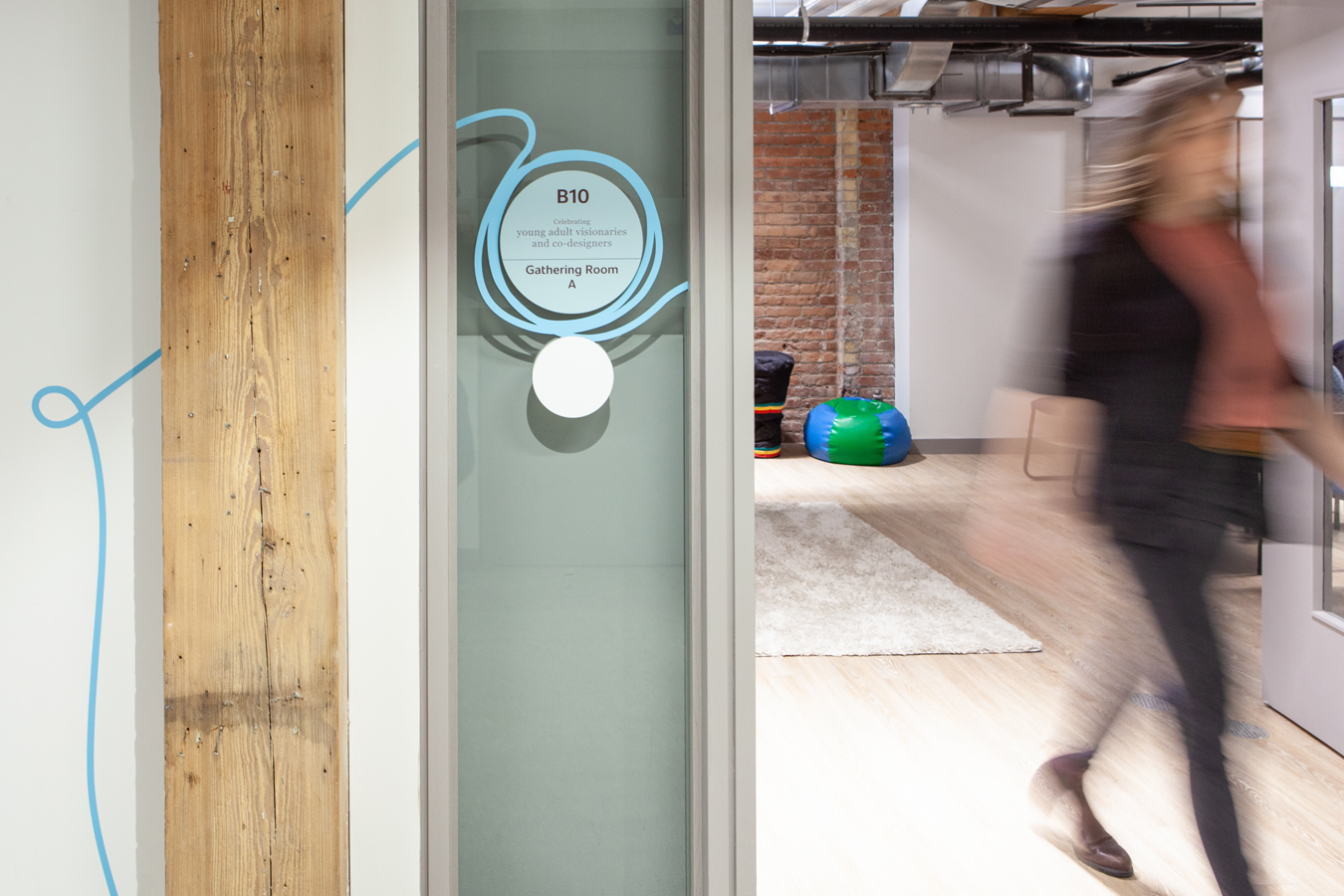
A safe place for all youth
Stella’s Place created an accessible, community-driven mental health facility for youth, emphasizing inclusive design, co-creation, wayfinding and cultural representation to foster well-being, belonging and holistic support experiences.