
Web accessibility
Web accessibility, guided by W3C’s WCAG standards, ensures content is perceivable, operable, understandable, and robust. Some current provincial laws require WCAG compliance, mandating inclusive design across sectors and organizations.

Make it accessible
The Internet provides an unprecedented opportunity for humanity to connect and communicate. In order to realize this vision, we must design sites that are fully accessible to all users, regardless of their physical or cognitive abilities, technological requirements, education and experience.
Principles of web accessibility
The law of the land
Designing accessible websites is not only good business. In the province of Ontario, and a growing list of other places, it is a legal requirement for websites to comply with the W3C’s WCAG. This internationally accepted standard has three levels of accessibility: A, AA, and AAA.
In Ontario, all public sector organizations and any businesses or non-profit organizations with fifty or more employees (including all full-time, part-time, seasonal and contract employees within a calendar year) must meet WCAG 2.0 Level AA for the following.
- New websites.
- Existing websites with a new web address.
- Existing websites with significantly refreshed content, navigation, or look and feel.
- Any web content posted after January 1, 2012.
In Manitoba, under the province’s Accessibility for Manitobans Act (AMA), all newly published or significantly updated website content and web apps must conform to WCAG 2.1 Level AA standards. Provincial government websites, regional health authorities, educational institutions and libraries, as well as private businesses and nonprofits must conform to Level AA by May 1, 2025.Always consult the official WCAG documentation when assessing compliance for your website.
Four principles of accessibility
The WCAG is organized around four principles of accessibility: Perceivable, Operable, Understandable, and Robust. Under each of these principles the WCAG lists guidelines and success criteria. Understanding these overarching principles can help a designer achieve more accessible results in any medium, even when no specific guidelines or criteria are available.

Perceivable
Information and user interface components must be presentable to users in ways they can perceive.
Most critically, this includes people who are blind, deaf, or both. This means that no content or functionality can be communicated through sound or visuals alone. Semantic text is a mandatory supplement for all elements, and it should ideally deliver equivalent functionality and information.
Operable
User interface components and navigation must be operable, regardless of the user’s physical abilities and the input device. Users must not just be able to operate the interface components, they should feel in control and well oriented at all times as well.
Understandable
Information and the operation of the user interface must be understandable. This means that content and interface must be understandable to all people including those with cognitive or perceptual limitations, and linguistic or other cultural differences. Furthermore, diversity of users’ education, experience, and skill should also be taken into account in the design.
Robust
Content must be robust enough that it can be interpreted by a wide variety of user agents, including assistive technologies. Consider the wide range of abilities, circumstances, and environments that your users may potentially inhabit, and then consider the wide range of displays, browsers, input devices, and assistive technologies that they may rely on. Design for interoperability with the following.
- Older technology including under-powered devices, outdated browsers, and low-bandwidth network connections.
- Display sizes ranging from the smallest mobile device to the largest screen.
- Screen magnifiers and the built-in zoom feature in most web browsers, often relied on by low-vision users.
- Assistive technologies including Braille readers and screen readers.
- Input devices ranging from mouse, to keyboard, to voice command software, and beyond.
Featured Pages
-
Practicing web accessibility
Discover essential practices for web, from semantic HTML to WCAG compliance. Learn how to plan new projects and audit redesigns to ensure inclusivity.
-
Testing and maintainance
Ensure lasting web accessibility through manual validation, testing with diverse users, software tools, and ongoing maintenance for compliance.
Featured case study
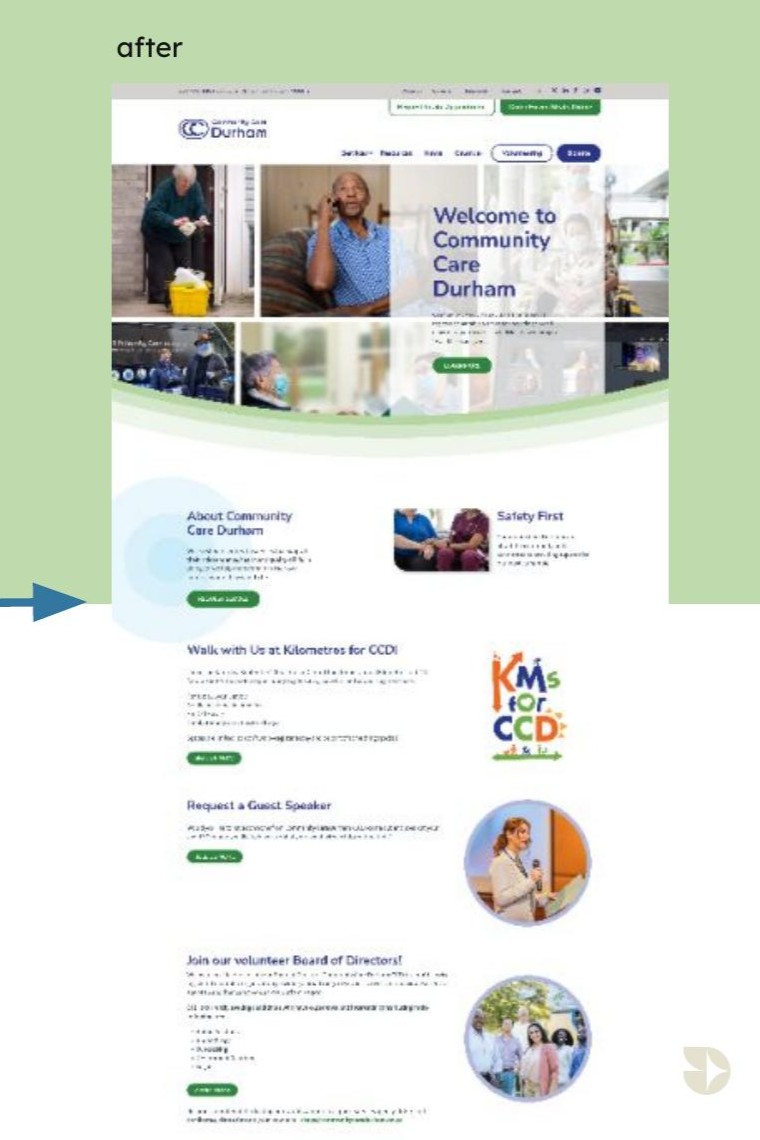
Community Care Durham Website Redesign
The Community Care Durham website design prioritizes users’ lived experiences—especially seniors, caregivers and people with disabilities—resulting in a digital platform that is intuitive, inclusive and empowering.
Testimonial

Let’s stop ‘tolerating’ or ‘accepting’ difference, as if we’re so much better for not being different in the first place. Instead, let’s celebrate difference, because in this world it takes a lot of guts to be different.
Kate Bornstein