
2toLead
Building an Accessible Digital Workplace
Client: Canadian Mental Health Association (CMHA), Toronto Branch
Credits: Lead Consultant: Kanwal Khipple, Creative Director: Richard Plantt RGD, Developer: Kristopher Glasier
Summary
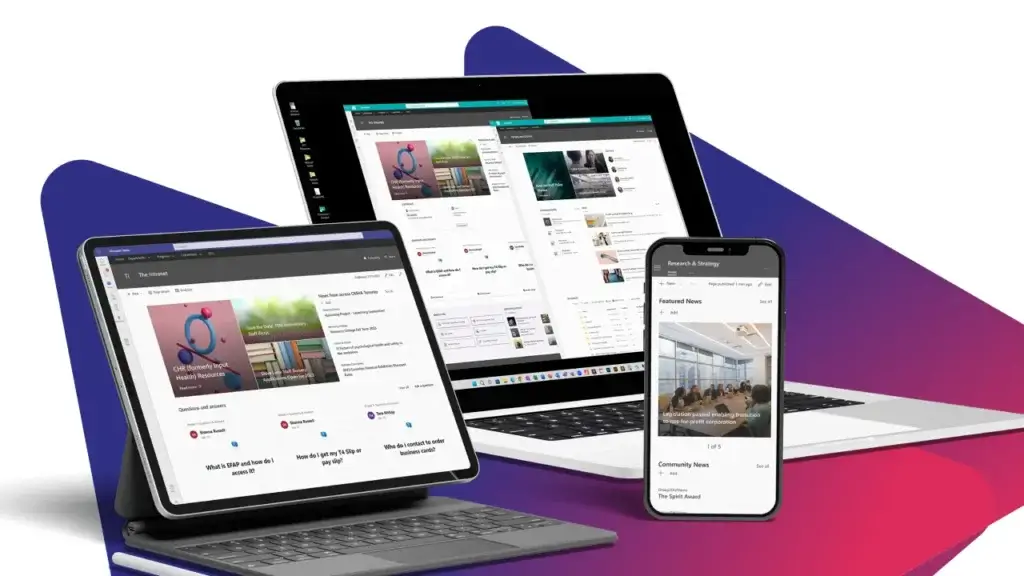
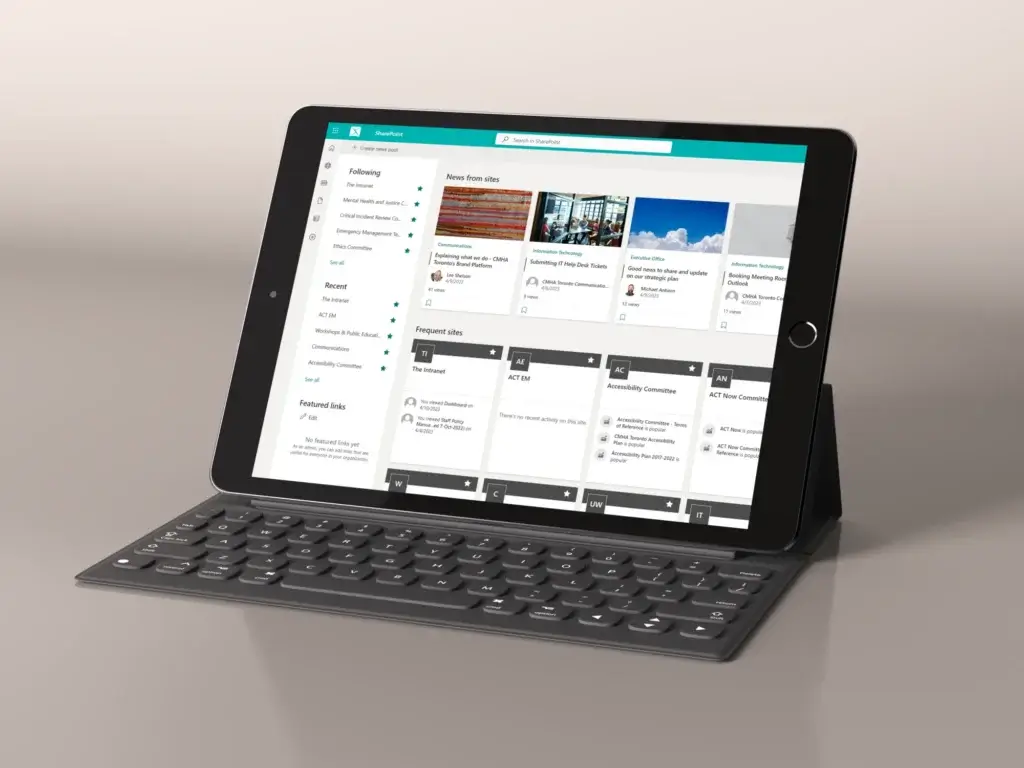
2toLead partnered with the Canadian Mental Health Association (CMHA) in Toronto to design a modern and inclusive intranet to connect staff and help build awareness and skills around accessible content creation.
Context
CMHA Toronto needed a modern intranet to connect staff across programs and locations while making information easy to find. Accessibility was a core requirement from the start. The previous intranet created barriers for employees using assistive technologies, and content authors lacked tools to check accessibility before publishing.
Our goal was to design an inclusive intranet aligned with WCAG 2.2 AA standards. We selected Microsoft SharePoint Online for its strong accessibility foundation and integration with Microsoft 365. Beyond technology, we focused on training and governance to ensure accessibility would remain a priority long after launch. The result is a scalable, future-ready intranet that empowers every employee to access information independently.
Design process
We began with a design audit to identify pain points, then applied inclusive design principles throughout the redesign. SharePoint’s accessibility features provided a strong foundation, including keyboard navigation, screen reader compatibility, high contrast mode, alt text prompts, and an Accessibility Checker for content validation.
Solution
We customized navigation for clarity and keyboard accessibility, applied consistent heading structures, and replaced vague link text with descriptive alternatives.
Training sessions and practical guides helped content authors understand how to create accessible content and use SharePoint’s built-in tools effectively. By combining technology, design, and education, we delivered an intranet that is both accessible and sustainable.
Which fundamentals of accessible design were considered?
We applied consistent heading structures for screen readers and replaced vague link text like “click here” with descriptive alternatives. We also introduced governance practices, so accessibility remains a priority as the intranet evolves.
SharePoint gave us a strong starting point. Here are some of the features we leveraged
- Keyboard Navigation for employees who don’t use a mouse.
- Screen Reader Compatibility with semantic HTML and ARIA landmarks.
- High Contrast Mode that works with Windows and browser settings.
- Alt Text Prompts to encourage image descriptions.
- Accessible Web Parts designed to meet WCAG standards.
- Immersive Reader to support neurodiverse users.
These features, combined with thoughtful design decisions, ensured the intranet was usable by everyone.